

How To: Whitelist Your Contract Address
Developers can use this guide to whitelist programs so that Coinflow can run transactions through your programs / smart contracts.
This page is for advanced / cryptocurrency-native companies. If that’s not you, head back to the Quickstart for the standard flows.
Overview
Coinflow works by wrapping your transaction’s instructions with two Coinflow program instructions. This way we can modify the user’s CFLOW balance, send them USDC or other tokens necessary to complete the purchase, and then clean up after the fact so the user does not have more of those tokens than when they started.
In order for this process to work, your program must be ‘whitelisted’ by Coinflow admins. In any transaction, the Coinflow program will verify that all of the instructions belong to a whitelisted program ID.
To learn more, read our article on Coinflow Transactions.
Implementation
To get started whitelisting your program, head to the Coinflow Merchant Dashboard. On the side menu, select the ‘Whitelist Program’ page. You’ll see a screen similar to below, since you’re new to this:
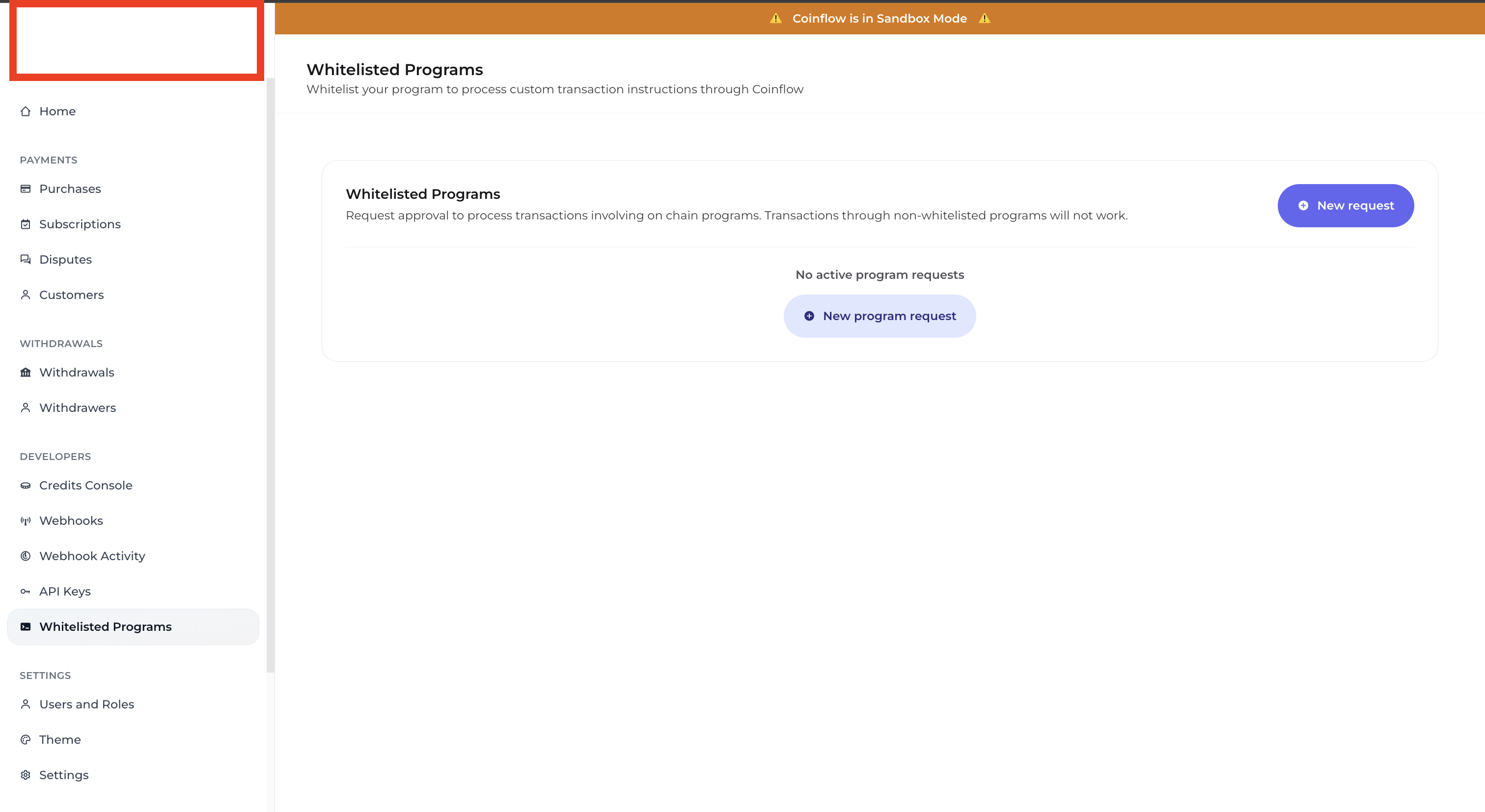
Notice the ‘New request’ button highlighted in the red box. Click this to begin.

Now, fill in your blockchain of choice among the options, and add your program ID. Click ‘Request whitelist’ to finish.
After this, you’ll notice a new request populate on the dashboard. This request will always have 1 of 3 different statuses:
📘 In Sandbox all requests are automatically approved
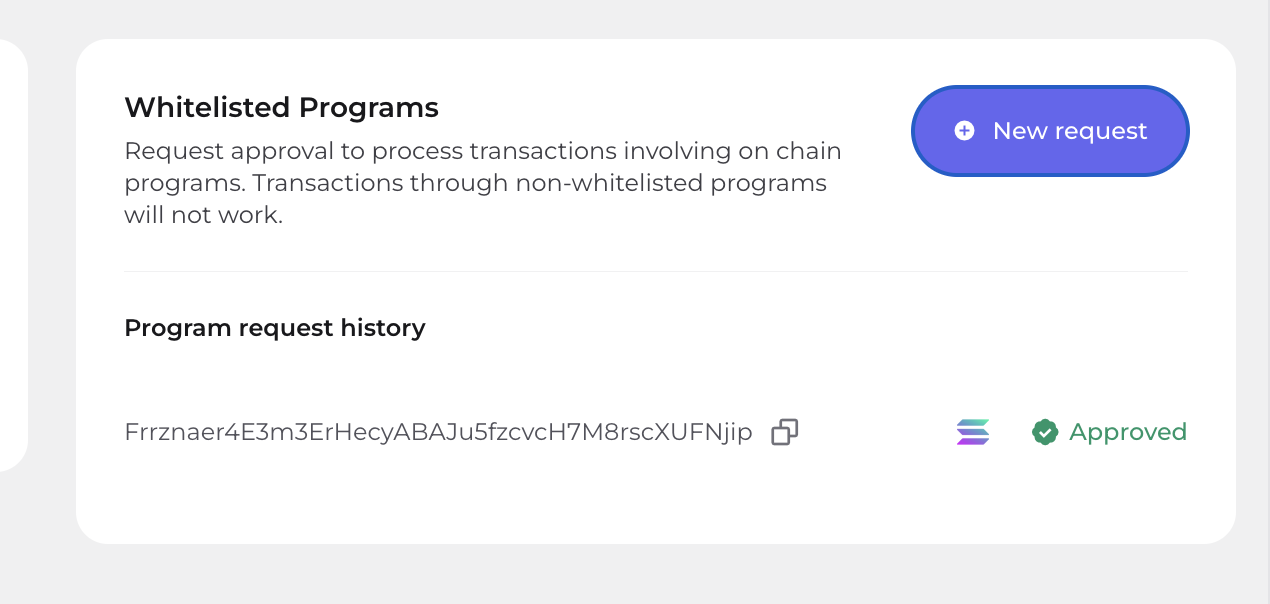
Here, we see Coinflow has approved our request and we can begin processing custom transactions. Done! You may request a whitelist for unlimited programs, although 1 or 2 is usually enough depending on your use case.