Domain Whitelisting for Coinflow Checkout
This guide explains how to whitelist your domain to ensure Checkout only loads on trusted sites, protecting against phishing and iframe injection attacks.
Coinflow enforces domain whitelisting to ensure your checkout UI only renders on trusted sites you control. This protects your users from phishing, spoofing, and unauthorized transactions.
Why Domain Whitelisting Matters
Without domain whitelisting, attackers could embed your checkout on fake sites, intercept transactions, or bypass fraud checks. Enforcing whitelisting ensures checkouts only run on trusted domains—keeping transactions secure, user experiences consistent, and your brand protected.
How It Works
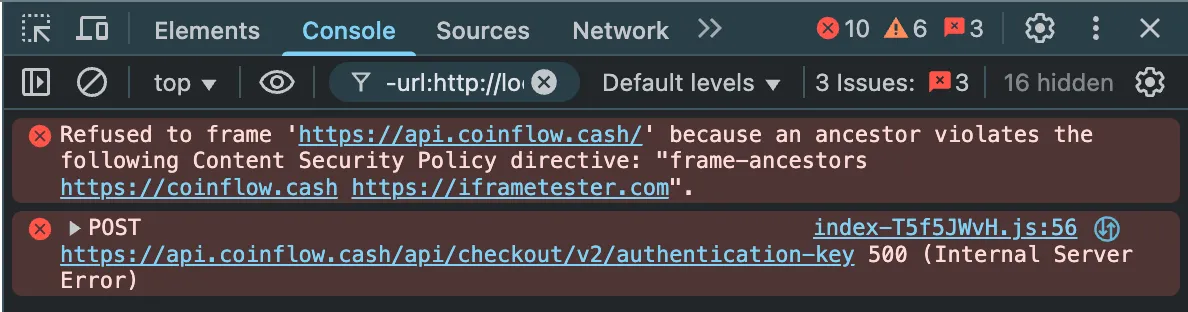
Coinflow verifies the domain at render time using window.location.origin. The checkout will only load on approved domains, with validation occurring when the iframe loads—not when the link is generated. If the origin isn’t whitelisted, the checkout won’t render.
How to Whitelist a Domain
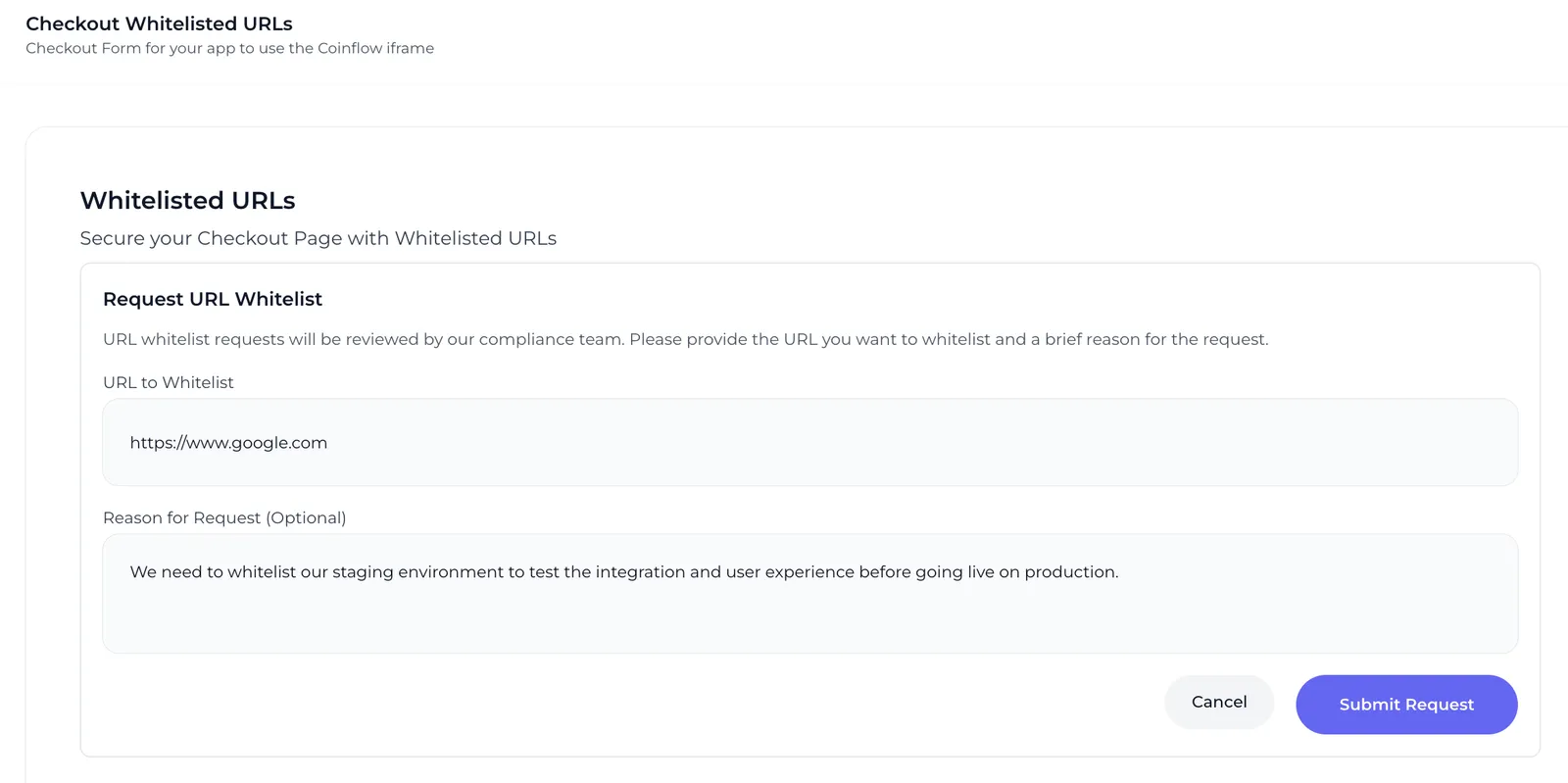
- Go to the Whitelist URLs tab in your merchant dashboard
- Click the
Request URL Whitelistbutton - Enter the domain you want to whitelist under
URL to Whitelist - Provide a brief explanation of the URL’s purpose under
Reason for Request - Notify the Coinflow team once submitted. Your request will be reviewed by the Coinflow team.