

How To: Implement Marketplace Credits (API)
This page is for advanced / cryptocurrency-native companies. If that’s not you, head back to the Quickstart for the standard flows.
Summary
Merchants can follow this guide to learn how to implement a Credits purchase flow on Coinflow’s Marketplace so that end-users can purchase credits, then spend those credits towards purchases with sellers. Upon spending credits, Sellers receive their earnings in their seller balance and can withdraw at any time.
Note: Coinflow’s marketplace credits run on regulated stablecoin rails under the hood, which is why some API responses return a
walletaddress. You don’t need any blockchain knowledge to integrate — treat thewalletfield as an opaque account identifier for the payer’s credits balance.
Setup
- Register a marketplace account on sandbox
🚧 Please reach out to the Coinflow team with your merchant id once you’ve completed this so we can configure your account for marketplaces!
Resources
- Demo of marketplaces
- Read about how 3DS works.
- Read about how to override chargeback protection decisions.
- Read about how credit card payments work .
- Read about credit card authorization, capture, and void.
- Read about what countries Coinflow supports withdrawing directly to banks to.
- Sellers in countries Coinflow doesn’t yet support for direct-to-bank payouts can receive their earnings in USDC (a stablecoin pegged 1:1 to the US dollar). Contact the Coinflow team for details on the USDC withdrawal flow.
Getting Started
1.Create a seller registration link
- This will generate a link which sellers can use to register themselves as a seller under the marketplace.
2.Get a seller login link
- This will generate a link which sellers can use to login to their seller dashboard to view purchases, customers, withdraw their funds, view withdraw history.
3.Create a credits account for the payer
In order to purchase credits, payers need a credits account, which holds their balance. Calling this endpoint provisions one for them based on their email. The endpoint returns a wallet address — treat this as the credits-account identifier, not as a user-visible crypto wallet.
4. Allow the payer to purchase credits
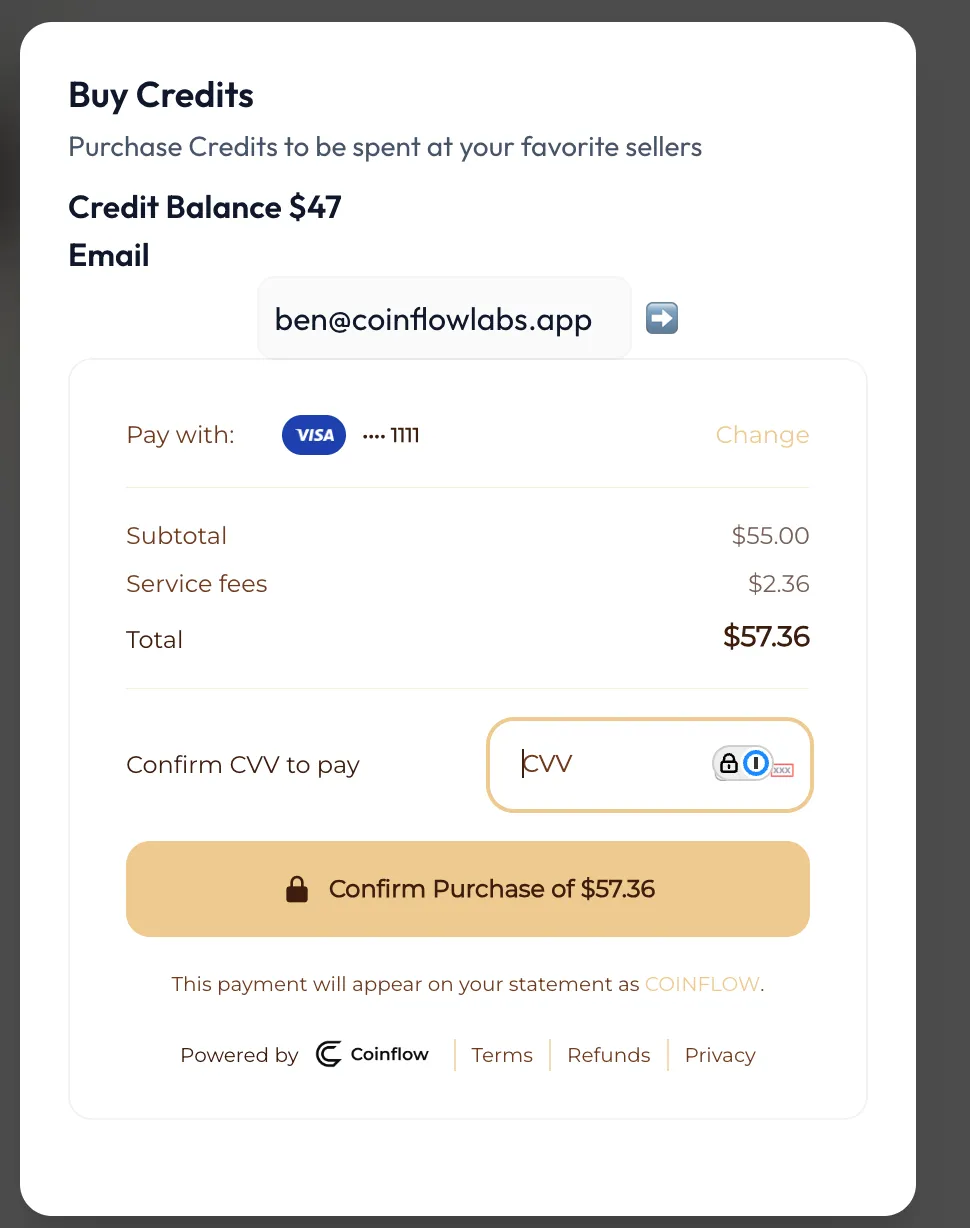
This endpoint will generate a purchase link. Marketplaces can collect their own fees for each credit purchase if they’d like. The fixedFee or percentageFee will be taken from the subtotal and be immediately sent to your marketplace’s wallet balance when the payer purchases the credits. In the example below, the marketplace will receive $5 and the payer will receive $50 in credits.
5. Get the Payer’s credit balance
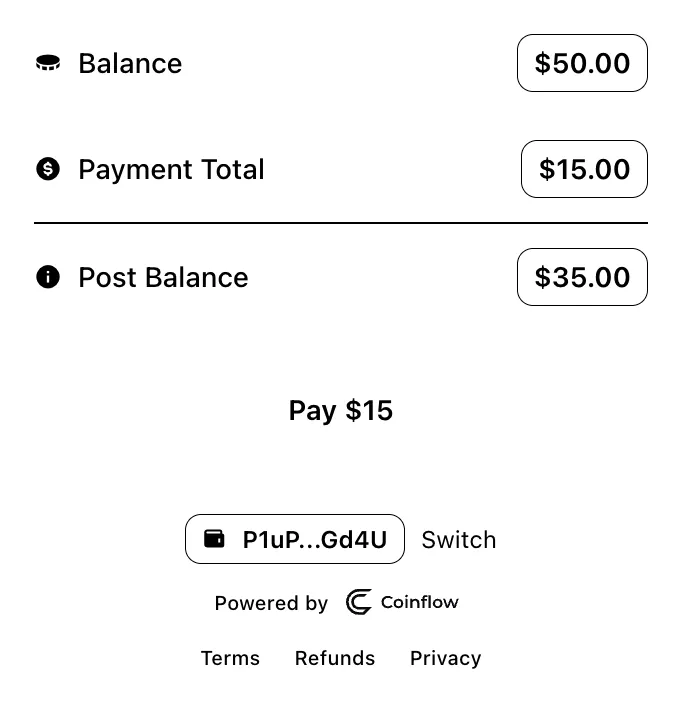
Payers can use either credits or any of Coinflow’s supported pay-in methods to complete purchases. You can get the balance a payer has in their credits account by calling the Get Checkout Balances Endpoint.
6. Allowing payers to spend their credits
- Request JWT Token
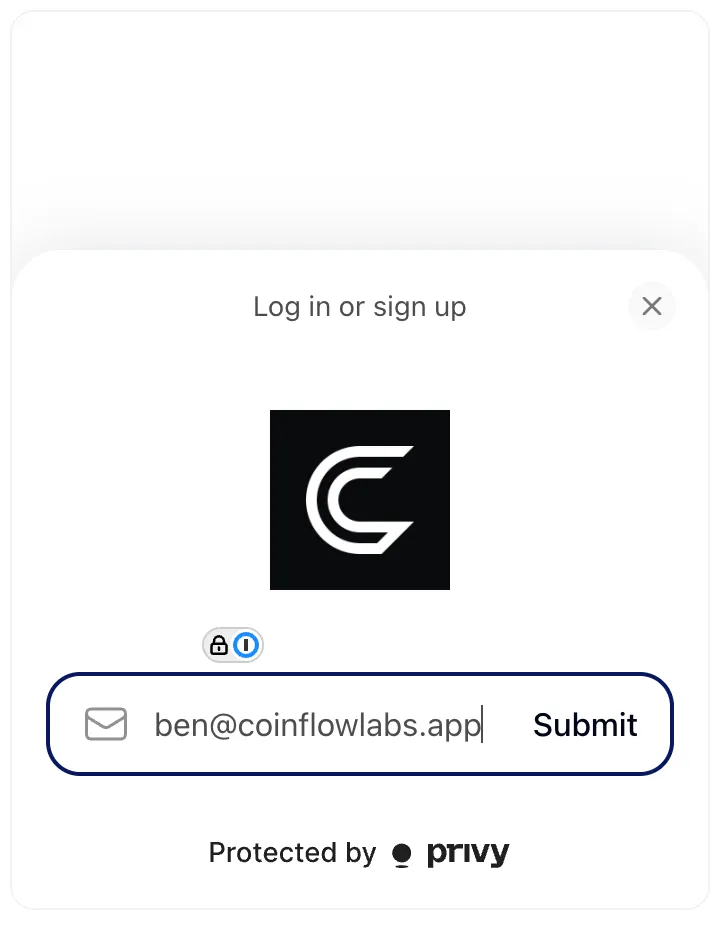
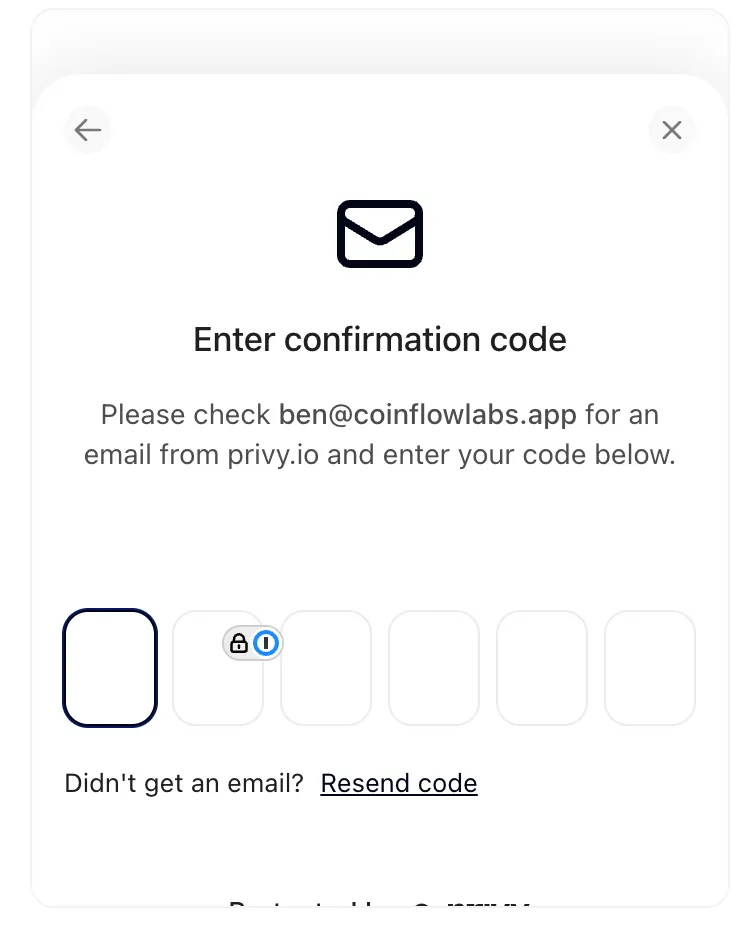
This tokenizes the checkout request parameters.RequestResponse - Generate a tokenized checkout link so end-user can spend their credits.
- Add link to an iframe
Generate Iframe
7. Listen to webhook events for:
- seller registration related webhook events
- checkout related webhook events
- subscription related webhooks events
8. Add Chargeback protection on every page of your site!!
- Note: It is a requirement to add this script to the head of every page, and not just where the payment occurs. After filling in the chargeback protection questionnaire, Coinflow will provider a partner id.